Learn Adobe Premiere Pro and Edit Videos Like a Pro – The Complete Beginner’s Guide
Ready to turn your raw footage into polished, professional-looking videos?
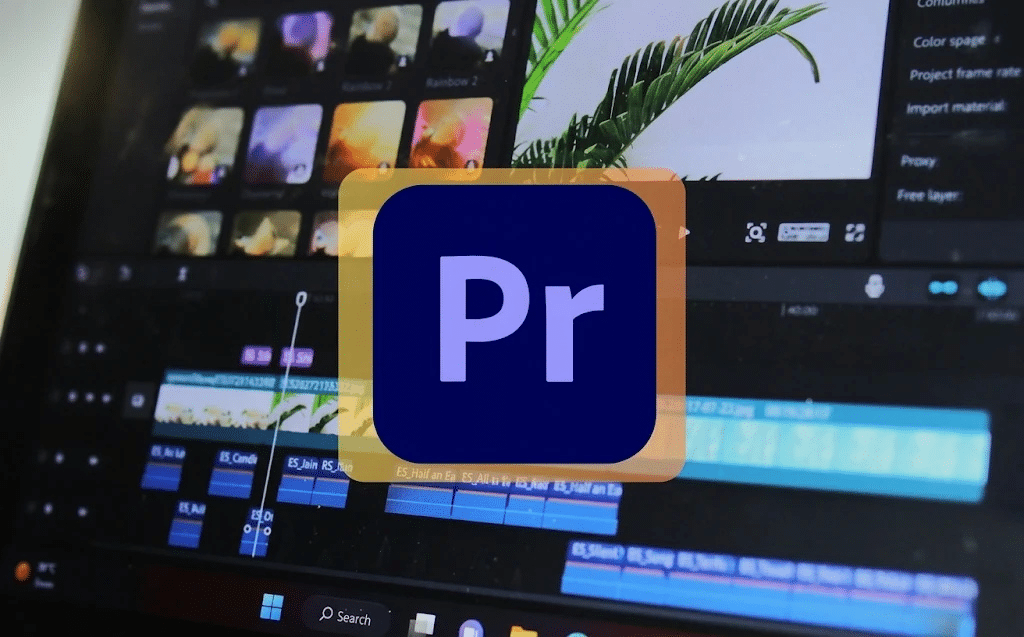
The Beginner’s Guide to Adobe Premiere Pro – Edit Like a Pro is designed to help beginners understand video editing and develop the skills needed to create engaging video content using Adobe Premiere Pro.
Whether you want to start a career in video editing, create content for YouTube, produce social media videos, or improve your creative skills, learning Adobe Premiere Pro is a valuable step towards becoming a confident video editor.
Discover how to work with video clips, organize your footage, build a timeline, add transitions, improve audio, and bring your creative ideas to life through video editing.
You don’t need to be an experienced editor to get started. Build your understanding of the editing process and develop practical skills at your own pace.
What Can You Learn from This Beginner’s Guide?
- Understand Adobe Premiere Pro: Become familiar with the editing interface, essential panels, and basic tools.
- Master Video Editing Fundamentals: Learn how to import, organize, trim, split, and arrange video clips.
- Create Smooth Video Transitions: Explore transitions and editing techniques to improve the flow of your videos.
- Enhance Your Video Presentation: Discover how titles, text, and visual elements can make your content more engaging.
- Improve Audio Quality: Understand the importance of audio editing and balancing sound in your video projects.
- Develop Your Editing Workflow: Learn how to organize your editing process and manage video projects more effectively.
- Export Your Finished Videos: Understand the process of preparing and exporting videos for different platforms and viewing purposes.
Why Learn Adobe Premiere Pro?
Adobe Premiere Pro is a widely used video editing application for creating professional video content.
Learning this software can help you:
- Create engaging YouTube videos.
- Edit TikTok, Instagram Reels, and social media content.
- Produce promotional and marketing videos.
- Develop personal filmmaking projects.
- Create videos for clients and businesses.
- Build a foundation for freelance video editing opportunities.
Who Is This Guide For?
This beginner-friendly guide is suitable for:
- Complete video editing beginners.
- Aspiring professional video editors.
- YouTubers and content creators.
- Social media managers.
- Freelancers and creative professionals.
- Digital marketers.
- Students learning multimedia production.
- Entrepreneurs creating their own video content.
- Anyone interested in learning Adobe Premiere Pro.
Turn Your Creative Ideas into Finished Videos
Great video editing is about more than putting clips together. It’s about creating a smooth viewing experience, communicating a message, and keeping your audience engaged.
By learning Adobe Premiere Pro, you can develop the technical knowledge and creative confidence to transform ordinary footage into more polished video projects.
Start with the fundamentals, practise your editing skills, and gradually explore more advanced creative possibilities as your experience grows.
Ready to Start Editing Like a Pro?
Don’t let a lack of experience stop you from creating the videos you’ve always wanted to make.
Take the first step into video editing with The Beginner’s Guide to Adobe Premiere Pro – Edit Like a Pro.
Get started today, build your video editing skills, and turn your creative ideas into videos worth watching!




Reviews
There are no reviews yet.