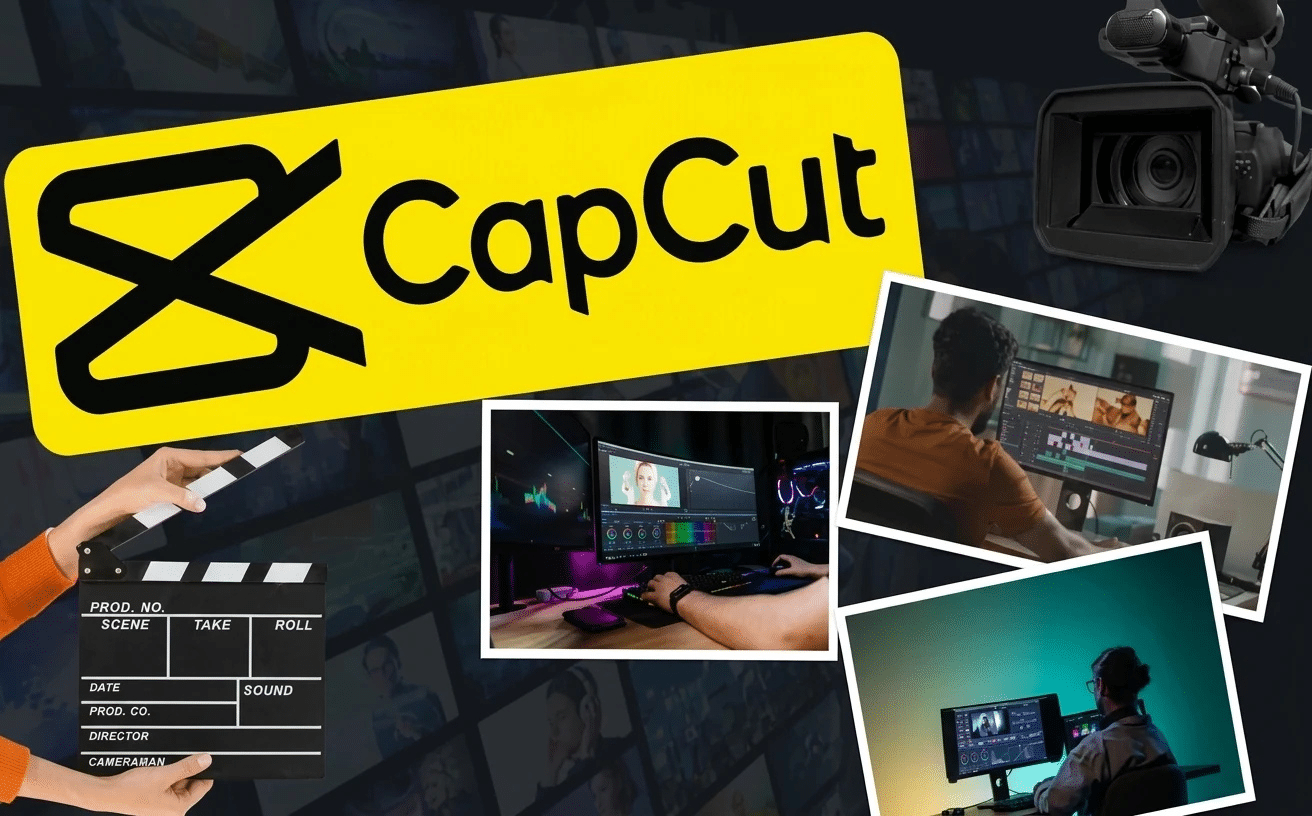
Take your video editing skills to the next level with Advanced CapCut Masterclass – Complete Video Editing Guide. This comprehensive learning resource is designed to help beginners and aspiring content creators develop professional video editing skills using CapCut.
Go beyond basic video editing and discover how to create engaging, polished, and visually appealing videos using advanced editing techniques. Learn how to work with keyframe animations, motion effects, cinematic transitions, colour grading, sound design, and creative visual effects.
Whether you create content for TikTok, Instagram Reels, YouTube Shorts, or business promotions, this masterclass helps you develop the skills to produce high-quality videos that capture attention and communicate your message effectively.
What You Can Learn:
- Understanding CapCut’s editing interface and essential tools.
- Advanced video trimming, cutting, and multi-layer editing.
- Creating keyframe animations and motion graphics.
- Applying motion tracking and masking techniques.
- Creating cinematic transitions and speed ramping effects.
- Designing custom animated text and titles.
- Applying colour correction and cinematic colour grading.
- Enhancing videos with filters, overlays, and visual effects.
- Editing audio, adding sound effects, and recording voiceovers.
- Synchronising background music with video footage.
- Creating engaging TikTok videos and Instagram Reels.
- Editing YouTube Shorts and promotional business videos.
- Optimising video formats, aspect ratios, and export settings.
Who Is This For?
- Beginners who want to improve their CapCut editing skills.
- Content creators and social media influencers.
- TikTok and Instagram Reels creators.
- YouTube content creators.
- Freelance video editors.
- Digital marketers and social media managers.
- Small business owners and entrepreneurs.
- Anyone interested in professional video production.
Create Professional Videos with CapCut
Develop your creative editing skills, explore advanced video techniques, and learn how to transform ordinary footage into engaging visual content. Build your confidence with CapCut and create videos suitable for social media, personal projects, and business marketing.
Start mastering CapCut and bring your creative video ideas to life!





Reviews
There are no reviews yet.