Create Studio-Quality Videos for YouTube, Social Media, and Client Projects with the Learn Filmora Video Editing Masterclass From Beginner to Pro
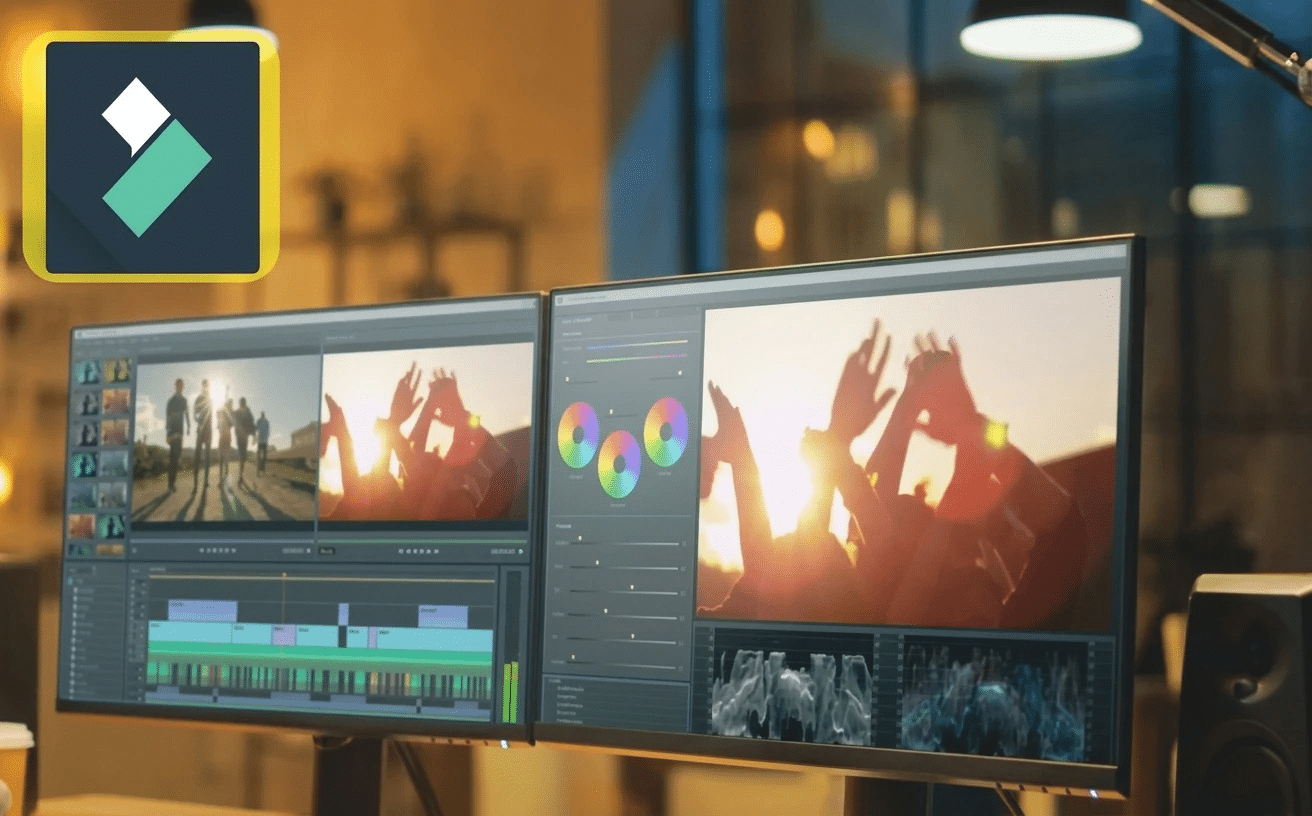
Turn raw footage into polished, high-retention videos without getting overwhelmed by complicated post-production software. Learn Filmora Video Editing Masterclass From Beginner to Pro takes you step-by-step from navigating the Wondershare Filmora workspace for the very first time to mastering advanced visual effects, color grading, and multi-platform video exports.
Whether you are launching a YouTube channel, editing short-form videos for TikTok and Instagram Reels, or producing promotional content for your business, this practical training equips you with an efficient, repeatable editing workflow you can apply immediately.
What You Will Learn:
-
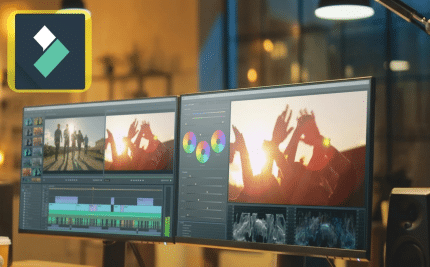
Filmora Interface & Media Management: Navigate the timeline, workspace panels, and project settings while importing and organizing video clips, audio tracks, and graphics for a smooth editing workflow.
-
Core Editing & Storytelling: Master essential cutting, trimming, splitting, and clip-sequencing techniques to pace your footage and build engaging narratives.
-
Transitions, Effects & Motion Graphics: Enhance your visuals using seamless transitions, creative overlays, animated titles, lower thirds, and built-in visual effects.
-
Audio Editing & Sound Design: Balance dialogue levels, layer background music, sync sound effects, and clean up audio tracks for crisp, broadcast-ready sound.
-
Color Correction & Color Grading: Fix exposure and white balance issues, then apply cinematic color tones and grading adjustments to give your footage a cohesive, professional look.
-
Exporting & Platform Optimization: Configure optimal resolution, frame rate, and format settings to export high-definition videos tailored for YouTube, Instagram, TikTok, and client delivery.
Who This Masterclass Is For:
-
Complete beginners with zero prior video editing experience
-
YouTubers, vloggers, and short-form social media content creators
-
Entrepreneurs, marketers, and business owners creating promotional and educational videos
-
Freelancers looking to offer fast, reliable video editing services without steep hardware or software barriers
Key Highlights:
-
Beginner-Friendly & Actionable: Over 4 hours of structured, step-by-step instruction designed to build confidence from your first cut to your final render.
-
Lightweight & Accessible Workflow: Runs smoothly on standard laptops and desktops without requiring high-end workstation specs.
-
Instant Digital Access: Download and start editing at your own pace right after purchase.

Reviews
There are no reviews yet.